Online Tools That Never Upload Your Files — SomeeLab.tools
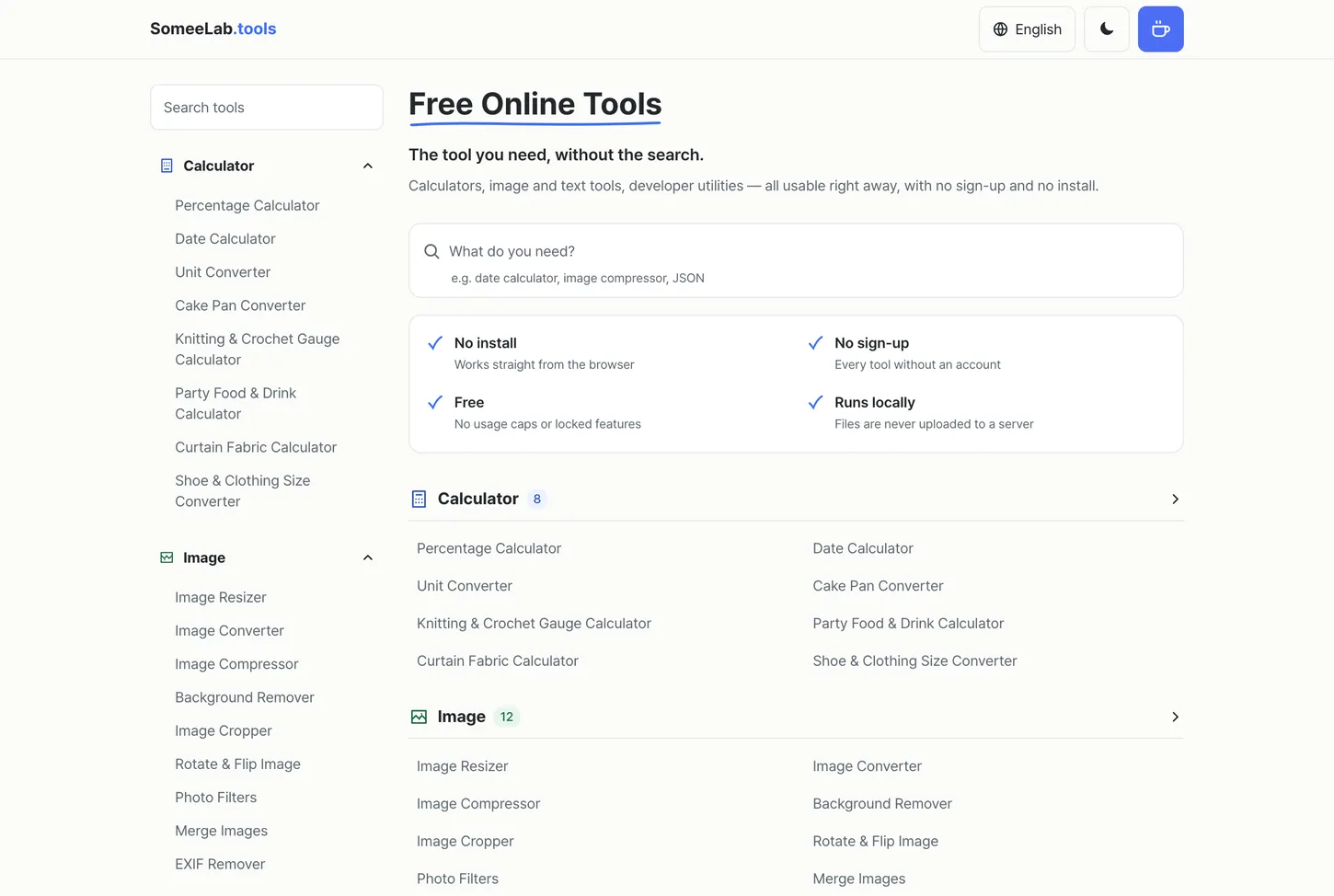
Resize an image, decode a JWT, size a cake pan — 35 tools that run entirely inside your browser. No sign-up, no upload, no ads between you and the result. Why SomeeLab.tools exists and what's in it.
I needed to get a photo under 300KB for an application form.
I searched for “compress image.” The first result took my photo and then asked me to sign up to download the result. The second didn’t ask for an account, but the download button opened three new tabs. The third one worked — after uploading the file to a server. Somewhere in the terms it said uploaded files are deleted after an hour. There was no way to verify that.
To shrink one photo of my own face, I’d handed it to a server I knew nothing about.
The strange part is that none of these tasks need a server at all.
The browser can already crop and resize images with Canvas, compute SHA-256 with crypto.subtle, and handle Base64 with atob/btoa. Percentages and date math don’t even merit the question. Work that has no reason to leave the device gets shipped to a server anyway, on most tool sites.
The reason isn’t mysterious. Files passing through a server generate traffic. Sign-ups leave email addresses. An extra results page is an extra ad impression. The tool is closer to bait for that funnel than the point of the site.
So I built the inverse: everything finishes in the browser, nothing is uploaded, and there’s no account. That’s SomeeLab.tools.
What you type stays on your device
One rule: whatever you put in — a photo, a token, a blob of JSON — never touches the network.
Drop a photo into the image resizer and it’s processed on a Canvas in a background worker and handed straight back to you — with EXIF metadata (GPS coordinates, camera model, timestamp) stripped from the file you save. Type a password into the hash generator and no server has ever seen that string. Paste a production JWT into the decoder and the same holds. That last one matters more than it sounds. Pasting a real token or an API response into an online formatter is a security incident waiting to happen, and everyone does it when they’re in a hurry.
A side effect: once a page is open, it keeps working without a connection. In an underground parking garage, a calculator is still a calculator.
Calculators — mostly the ones that were hard to find
Percentages, dates, and unit conversion are table stakes. The interesting ones come after.
Cake pan converter. Your recipe calls for an 8-inch round and all you own is a 9-inch square. It gives you the exact batter multiplier, plus how the bake time shifts for the new depth.
Knitting & crochet gauge calculator. Turn a gauge swatch into a stitch and row count, adjust a pattern written for someone else’s gauge, and estimate how much yarn a project needs. It includes needle conversion across mm, US, UK, and Japanese 号.
Curtain fabric calculator. Rail width, fullness, and fabric width give you widths, cut length, and total metres — including the pattern-repeat surcharge and a check on whether railroading the cut saves fabric.
Party food & drink calculator. Guest count and event length produce protein, sides, appetiser counts, and how much alcohol, water, and ice to buy. Bottle counts round up, because running out is worse than having extra.
Shoe & clothing size converter. One foot measurement in centimetres gives you JP, KR, EU, UK, US, BR, and Mondopoint at once. For clothing, DE, FR, and IT are kept apart rather than collapsed into one “EU” column — they’re genuinely different systems, and most charts pretend otherwise.
Images
Four tools: resize, convert between HEIC, PNG, JPEG and WebP, compress, and a dedicated exam photo and signature resizer.
The compressor takes a target file size, not just a quality slider. When the requirement is literally “under 300KB,” you shouldn’t have to bisect a quality value by hand.
The exam photo resizer exists because form requirements are unusually specific — IBPS, SSC, IIT JAM and passport applications each demand an exact pixel size and an exact file size range, and rejections are common. It matches both at once.
Text and developer tools
QR code generator — links, Wi-Fi, contacts, SMS, and email. You can make the Wi-Fi QR for a café wall without sending the password to anyone’s server.
Text to handwriting — turn typed text into realistic handwriting on lined, grid, or blank paper, downloadable as PNG or PDF.
The developer set is eight tools: JSON formatter and validator (broken syntax is pinned to the exact line), Base64 encoder/decoder with URL-safe output, UUID generator for v4 and time-sortable v7, Unix timestamp converter, hash generator (MD5, SHA-1, SHA-256, SHA-384, SHA-512), JWT decoder, URL encoder/decoder, and a color converter across HEX, RGB, and HSL.
Nine languages
English, Korean, Japanese, Chinese, Spanish, Portuguese, French, German, and Hindi.
The tools themselves barely depend on language, but which tools people need does. The Korean edition carries things like a wedding and funeral gift-money calculator and a printable ancestral-rite form — tools that make no sense anywhere else. The English edition carries the exam photo resizer instead.
It splits inside a single tool, too. The unit converter leads with height in feet and inches, cups to grams by ingredient, and oven temperatures in English; in Korean it leads with pyeong to square metres and the traditional geun and don weights.
So the lists differ by language on purpose. It’s less a set of translations than a set of local editions.
Price
Free, all of it. No account, because using a tool has never needed one.
Try it now → tools.somee4.com
If the tools are useful and you’d like more of them, you can buy me a coffee → Support on Ko-fi